01Touch to teach
Digital panels
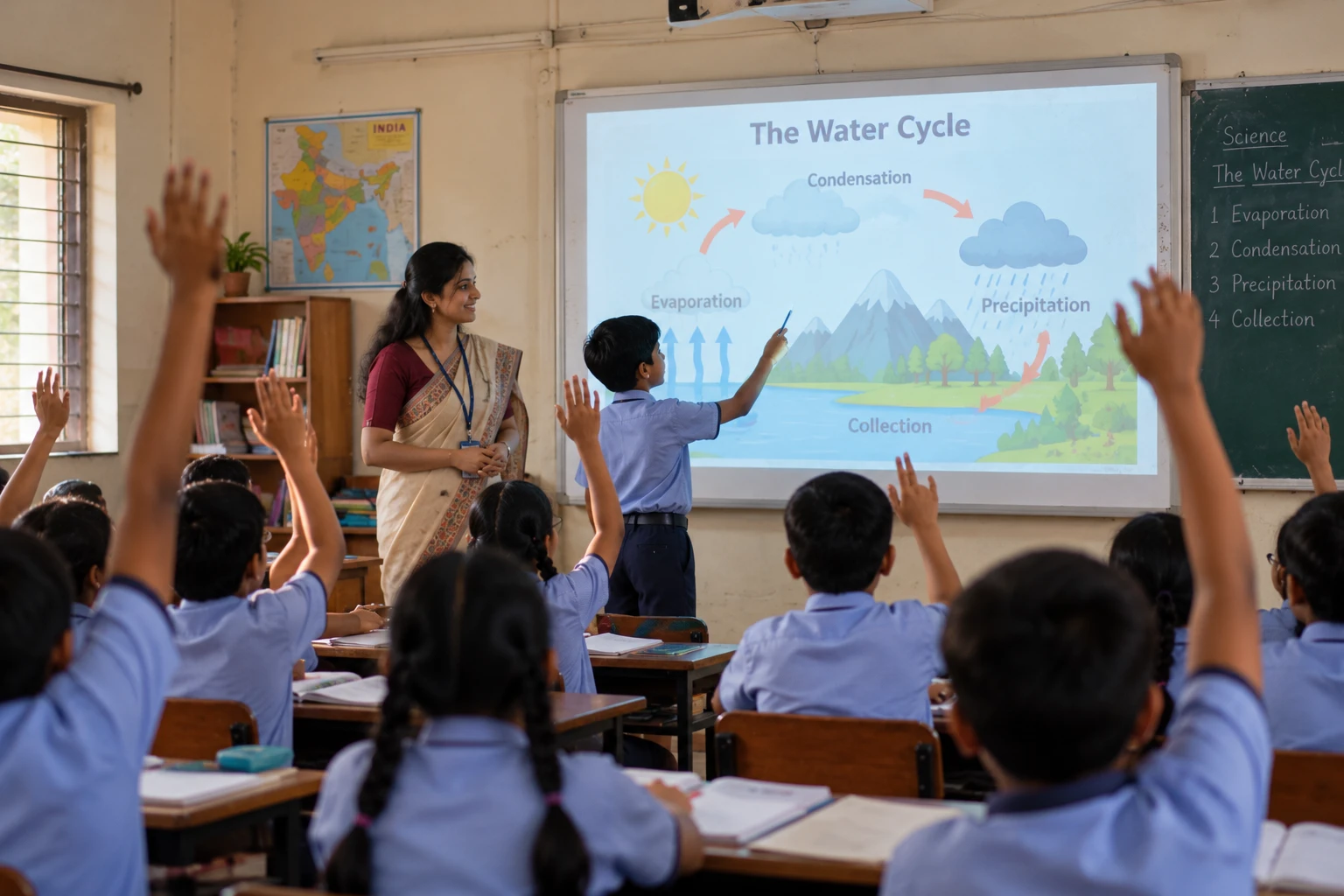
On an interactive panel the lesson is right under the teacher's hand. Tap to play an animation, drag to match, and call students up to answer at the board.
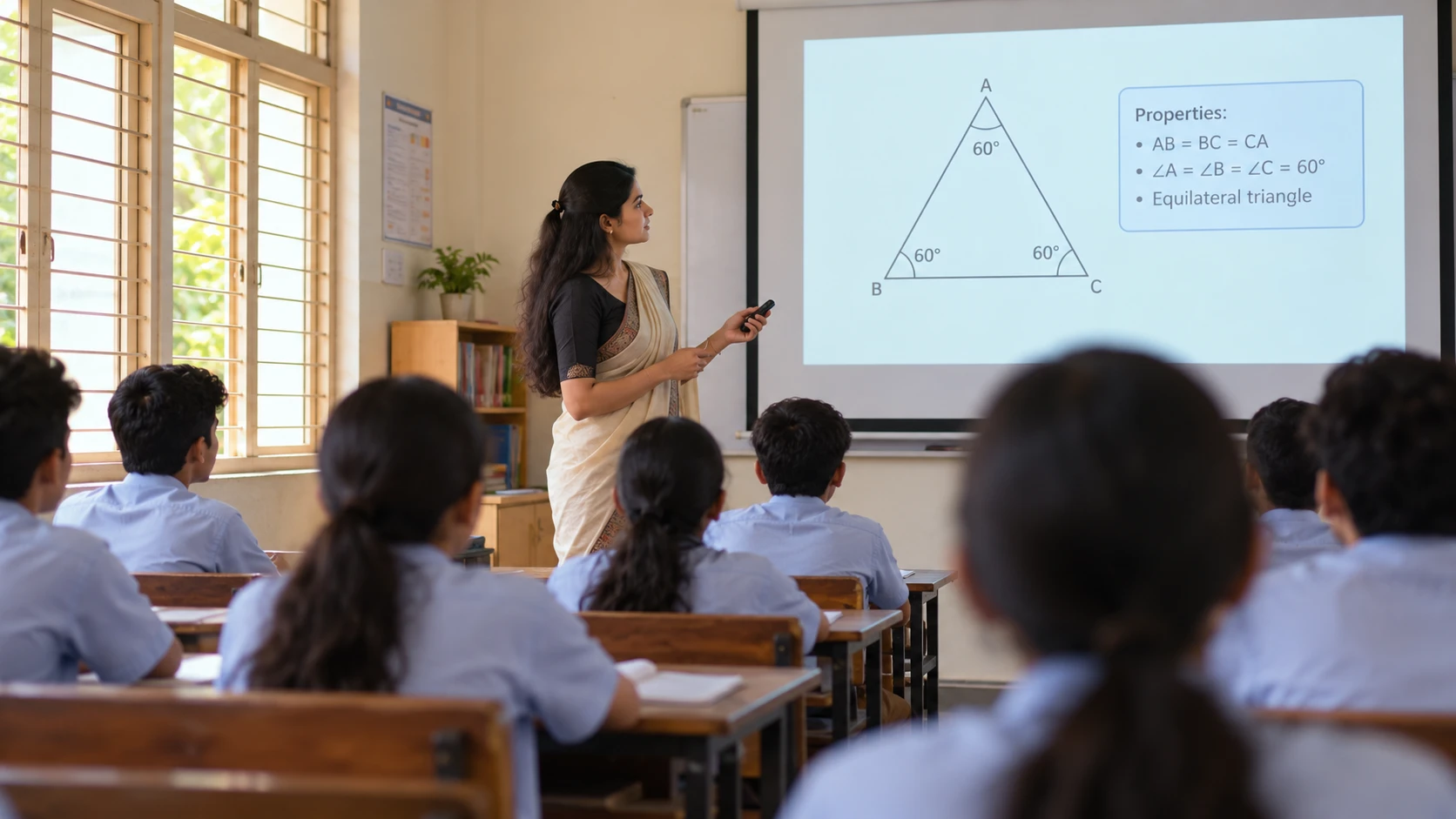
Digital panels, projectors or laptops. PRAYOGeek runs on what your school already has, so you can start teaching with it tomorrow.
On an interactive panel the lesson is right under the teacher's hand. Tap to play an animation, drag to match, and call students up to answer at the board.
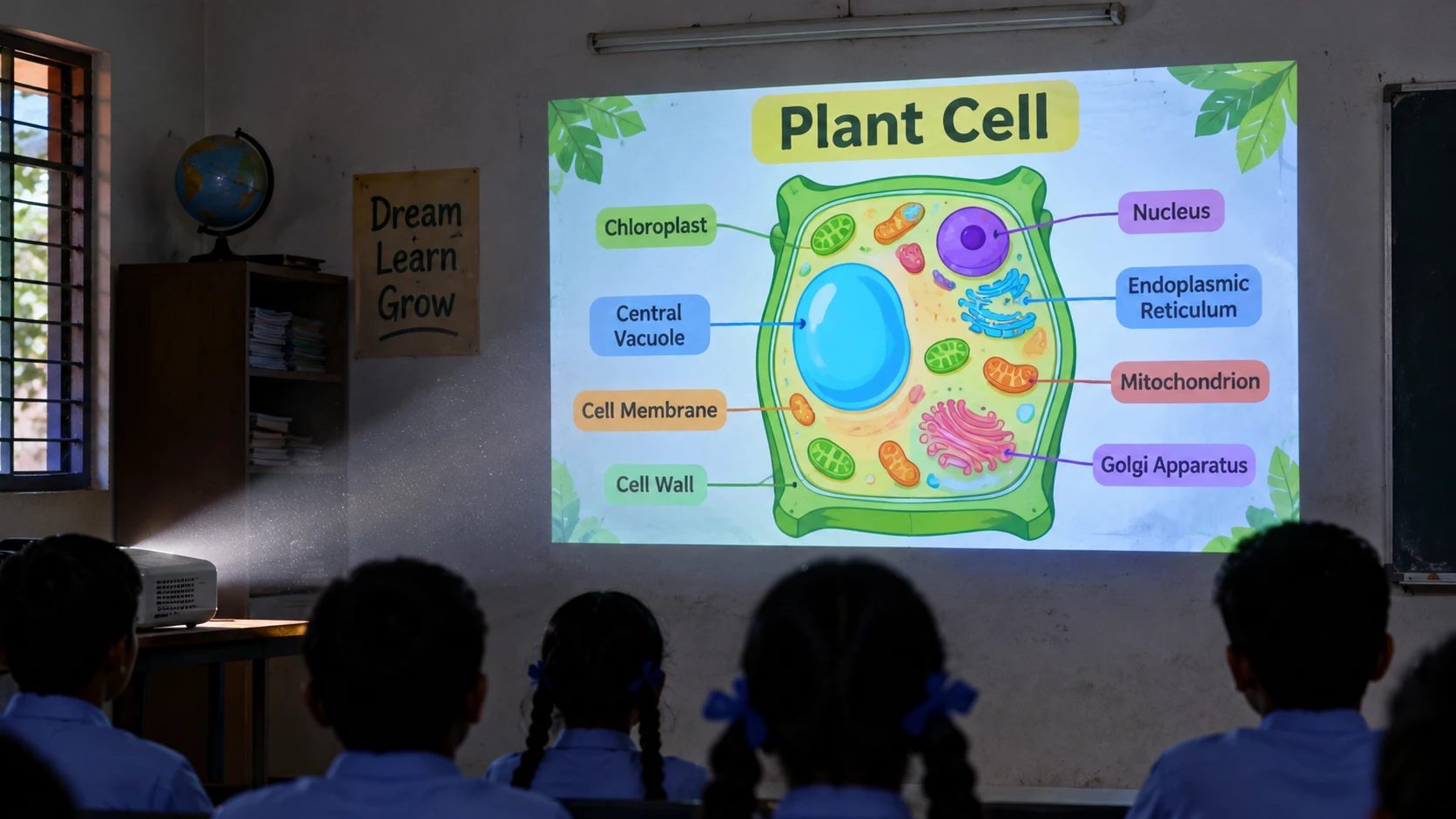
Built first for Android projectors in ordinary classrooms. The picture is big enough for the back row, and the whole lesson runs from a TV remote.
Run it on a Windows laptop or desktop and connect it to the TV or projector you already have. It also runs in a computer lab.
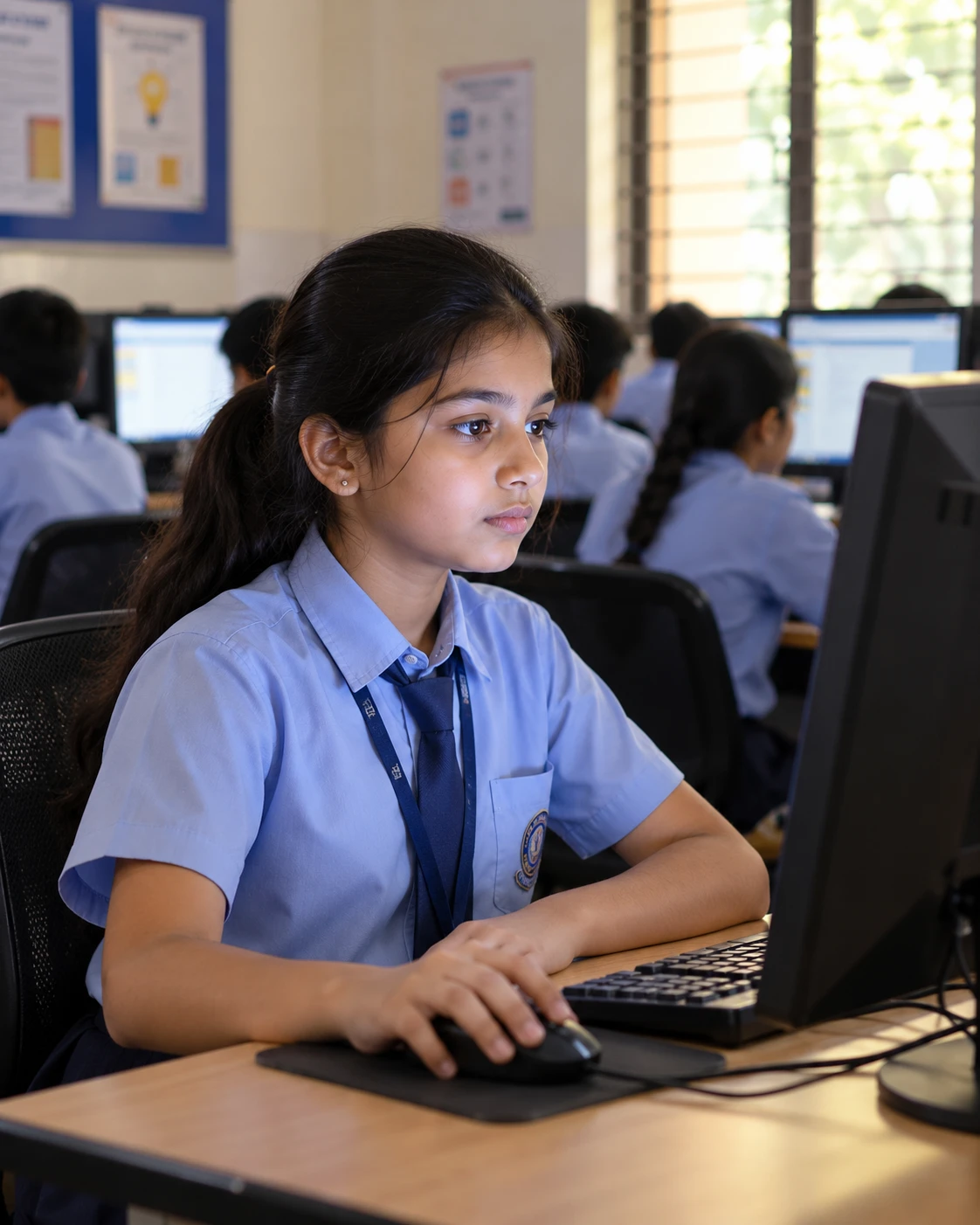
Lessons download to the device after login. Patchy internet will not stop a class.
Tap on a panel, click on a laptop, or use a TV remote's arrow keys on a projector.
Tuned for Android projectors with about 1 GB of RAM, so older equipment still works.
Offline, remote-friendly and light on old Android projectors.
Watch the short videos, or talk to us about your classroom.