
The AI layer
Finding mistakes so students understand.
Under every exercise sits an AI layer. It does not just mark an answer wrong. It shows where the thinking went off track and helps the student get back.
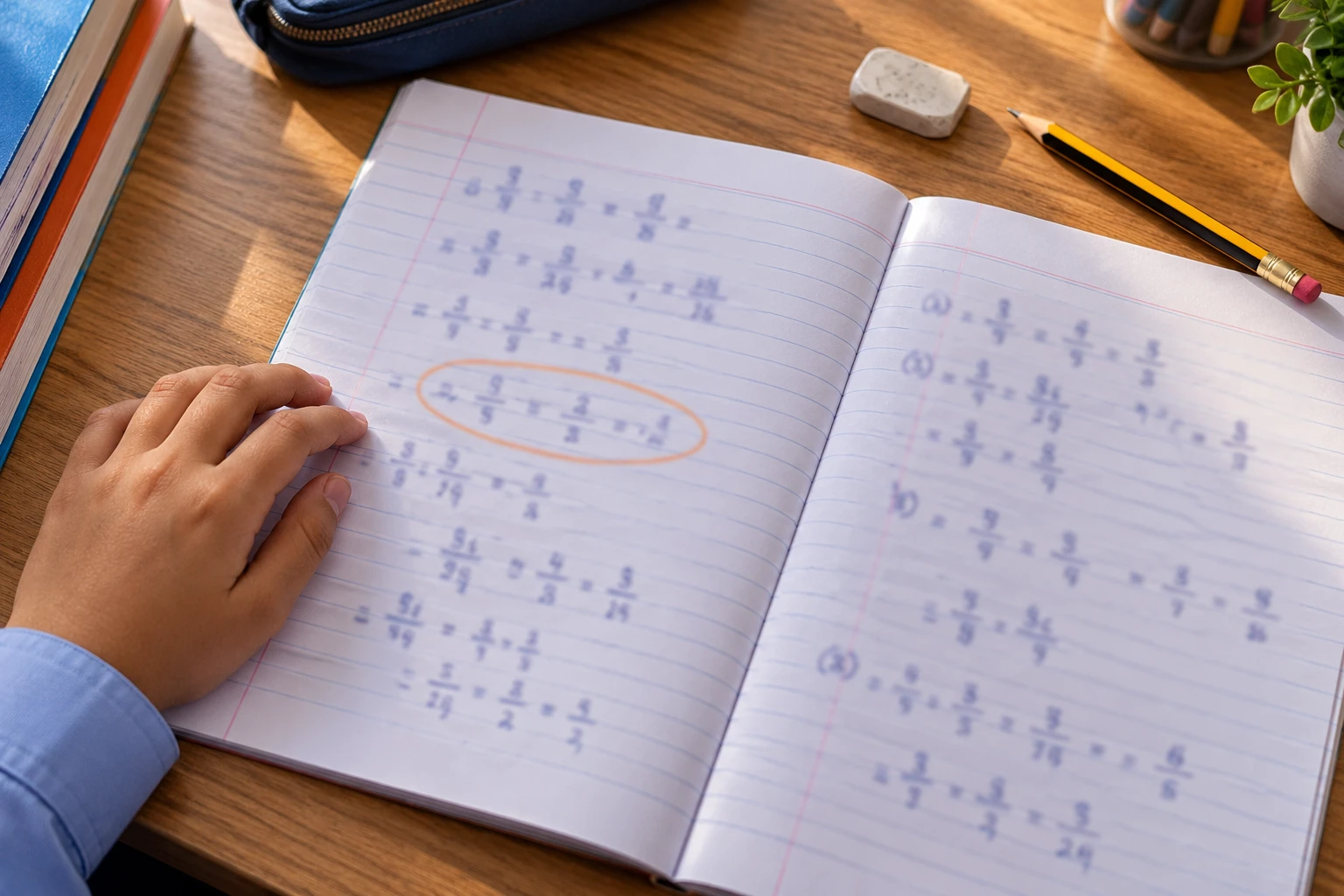
01 — An example
One step slips. We point to it.
A student adds 2/3 and 1/6. Most of the working is right, but one step goes wrong. The AI finds that step and explains it.
- Checks each step, not only the result
- Explains in simple words
- Works with voice answers too
02 — How it works
From answer to understanding.
- 01
The student answers
By typing, tapping or speaking, one step at a time.
- 02
The AI reads every step
It checks the working, not only the final answer.
- 03
It finds the exact mistake
For example: step 3 added the denominators.
- 04
Hint first
A gentle nudge so the student can fix it themselves.
- 05
Then the explanation
A short, plain reason, the way a patient tutor would give it.

03 — Voice answers
Say it out loud. We're listening.
Many students know the answer but stall when they have to write it. They can speak instead, and the AI checks a spoken answer the same way it checks a written one.
- Answer by speaking, typing or tapping
- Helps students who hesitate to write
- Good for language practice in English and Kannada
04 — Who it helps
Good for the whole classroom.
01
For students
Feedback that teaches. Students learn from mistakes without feeling judged.
02
For teachers
See where the class is getting stuck, then replay that step on the projector.
03
For schools
A consistent way of explaining, chapter after chapter, class after class.

05 — Watch
How we find the mistake.
A short film that follows one answer through the AI layer.
Next step
Want to see PRAYOGeek in action?
Watch the short videos, or talk to us about your classroom.