
PRAYOGeek turns textbook chapters into animations for digital panels, projectors and laptops, with an AI layer that shows students exactly where they went wrong.
01 — What we make
One idea, three connected parts.
- 01Classroom animationsFor the teacherTextbook chapters turned into animations a teacher plays, pauses and explains to the whole class.
- 02The AI layerOn top of everythingReads each answer, finds the exact error and explains it, so a wrong mark turns into understanding.
- 03Any classroom screenPanels · Projectors · LaptopsRuns on digital panels, projectors and laptops, so it fits the equipment your school already has.
02 — The AI layer
Not just “wrong”. It shows where and why.
Every exercise has an AI layer on top. It reads each step, finds the exact mistake, gives a hint first and then explains, the way a patient tutor would.
- Step-by-step error finding
- Voice answers as well as typing
- Hints before explanations
03 — For the classroom
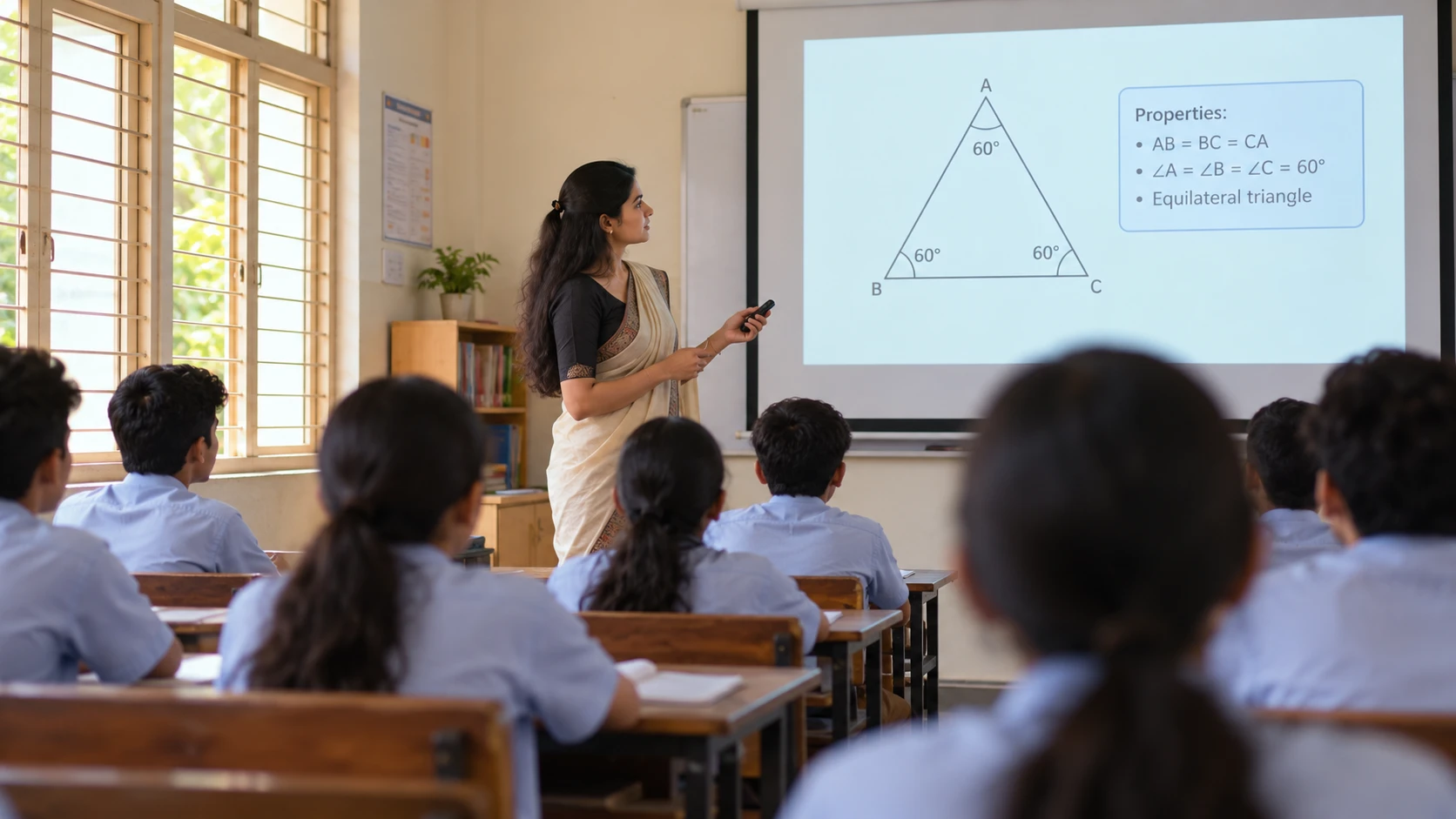
The book, brought to life on the projector.
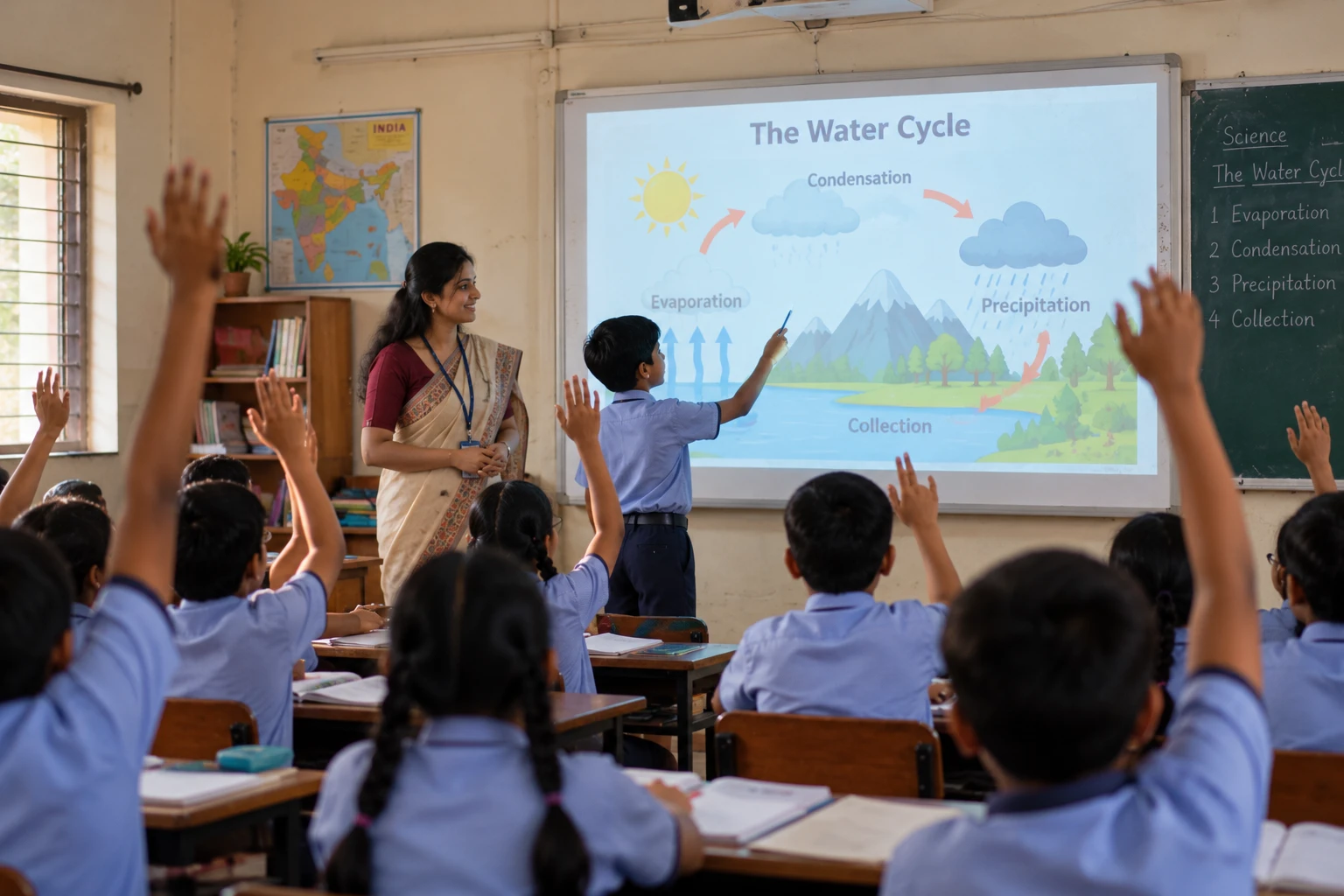
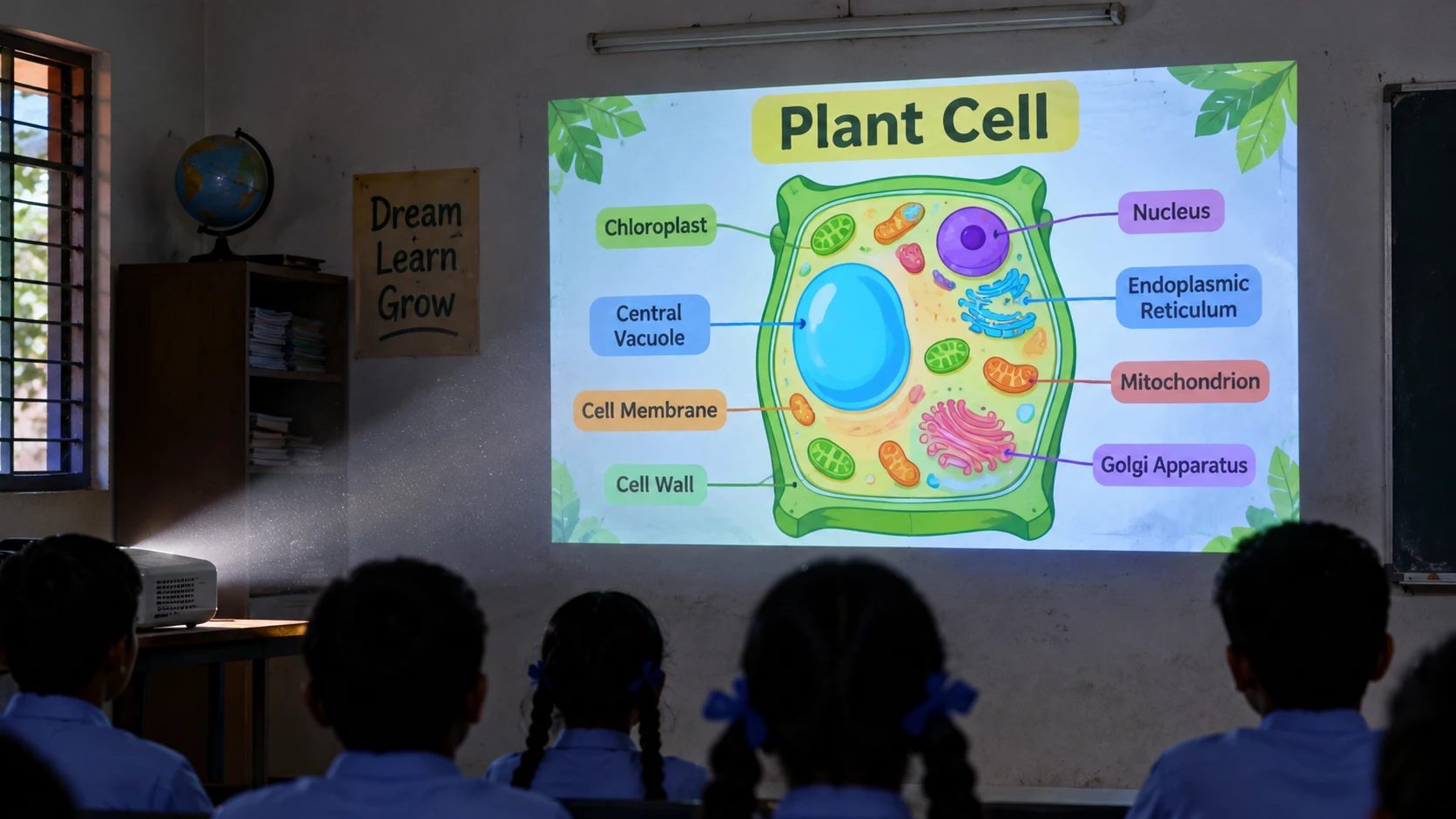
Whatever chapter is in the book, we have turned it into an animation. The teacher plays it, pauses it and explains it, so the whole class sees the idea at once.
- Follows the textbook chapter by chapter
- Built for projectors and large rooms
- Pause, replay and explain
04 — Subjects
Class-wise coverage Chapter by chapter.
05 — Watch a lesson
All videos See a chapter come alive.
Maths · Class 10 · 0:27
Surface Areas and Volumes: joining solids
An animated explainer: a tanker splits into a cylinder and two hemispheres to show which surfaces get painted.

Next step
Want to see PRAYOGeek in action?
Watch the short videos, or talk to us about your classroom.